
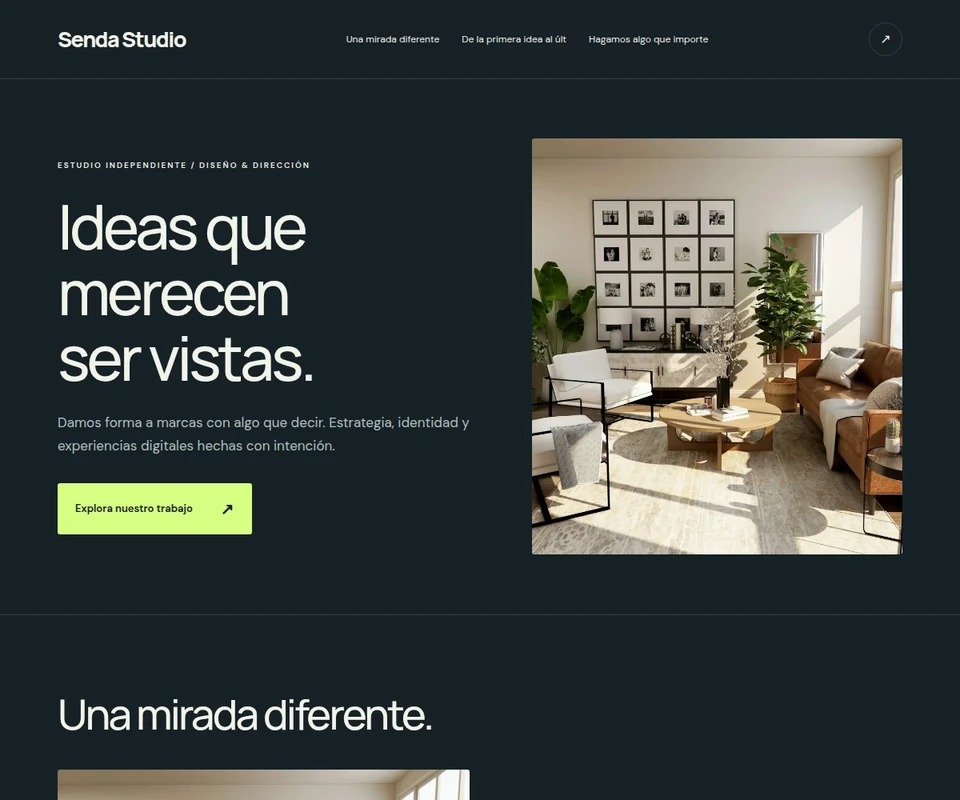
Start with one decision: what should someone do when they land on your page? They might explore your work, ask about a service or follow a link. A clear next step makes a better starting prompt than a long list of features.
The Linkmas studio turns a description into an editable website. You can also start from an example and make it your own. The studio interface currently uses Spanish; you can request website content in English.
Give your first prompt a useful direction
Describe who you are, who the page is for, the sections you need and the mood you want. Ordinary language works: warm colors, large photos and clear headings are concrete instructions.
Create an English website for my ceramics studio. I want to show my pieces and receive inquiries from shops. Use cream and terracotta colors, large photos and editorial typography. Include an introduction, a searchable catalog and a contact form. Do not invent prices, an address or testimonials.
Add your own images and accurate business details. Sample names, pictures and prices in editable examples need reviewing before you use them for a real business. Only publish materials you have permission to use.
Review and refine the first version
Read every section, check your links and look at the mobile preview. AI can misunderstand an instruction, so you decide which version is ready. Ask for a specific change, such as moving the contact section below the catalog or changing the accent color to olive green.
You can also change text, links, items, fonts and colors by hand, and upload your images. Manual edits do not use your AI allowance. Saved versions let you return to an earlier direction before publishing.
Publish a reviewed snapshot
Your draft and published page stay separate. Publishing creates the version visitors see at an address such as linkmas.com/s/your-name. Later draft edits do not appear there until you publish again.
Open the public URL in another tab and test every important action. Send a test inquiry if you added a form, then check your private project inbox and remove the test. Inquiries are saved in the studio, not automatically emailed.
Share it where the next step makes sense
Copy the link for a social profile, a message or your printed materials. Download a QR code when you need an easy way to open it from a physical location. Project stats show visits, clicks and inquiries so you can decide what to refine.
Publishing a website does not guarantee traffic. Give people a reason to visit: explain what the page contains and make the main action clear. Start with a small, relevant audience and review the response before adding more sections.
What the free account and paid plans include
A free account includes one project and three AI changes in total, with the Linkmas mark on published pages. Paid monthly plans start at US$10 and include more projects, a monthly AI allowance, static HTML export and pages without the Linkmas mark. See current plans for limits.
The studio supports websites and structured miniapps such as searchable catalogs, quote calculators and forms. Connect payments and reservations through external links. Custom domains, shopping carts, custom databases and native apps are not yet part of the studio.
If you already use Linkmas, your original account, pages, short links and QR codes remain available. Read how to try the new studio while keeping existing links.